
What is checked
Content Polisher Pro works with Advanced Custom Fields (free or PRO) and Secure Custom Fields. It checks Text, Text Area and WYSIWYG fields — including fields inside Repeater, Group and Flexible Content — in three places:
| Source | Where the text lives | Shown as |
|---|---|---|
| ACF fields | Field values of posts, pages and custom post types | Field: FAQ #2 › Answer |
| ACF blocks | Fields of ACF blocks in the block editor | Field: Testimonial #2 › Quote |
| ACF options pages | Site-wide fields such as a footer text | Site-wide content · Field: Theme Settings › Footer text |
Other field types (numbers, URLs, e-mail, select, relationship…) are never touched.
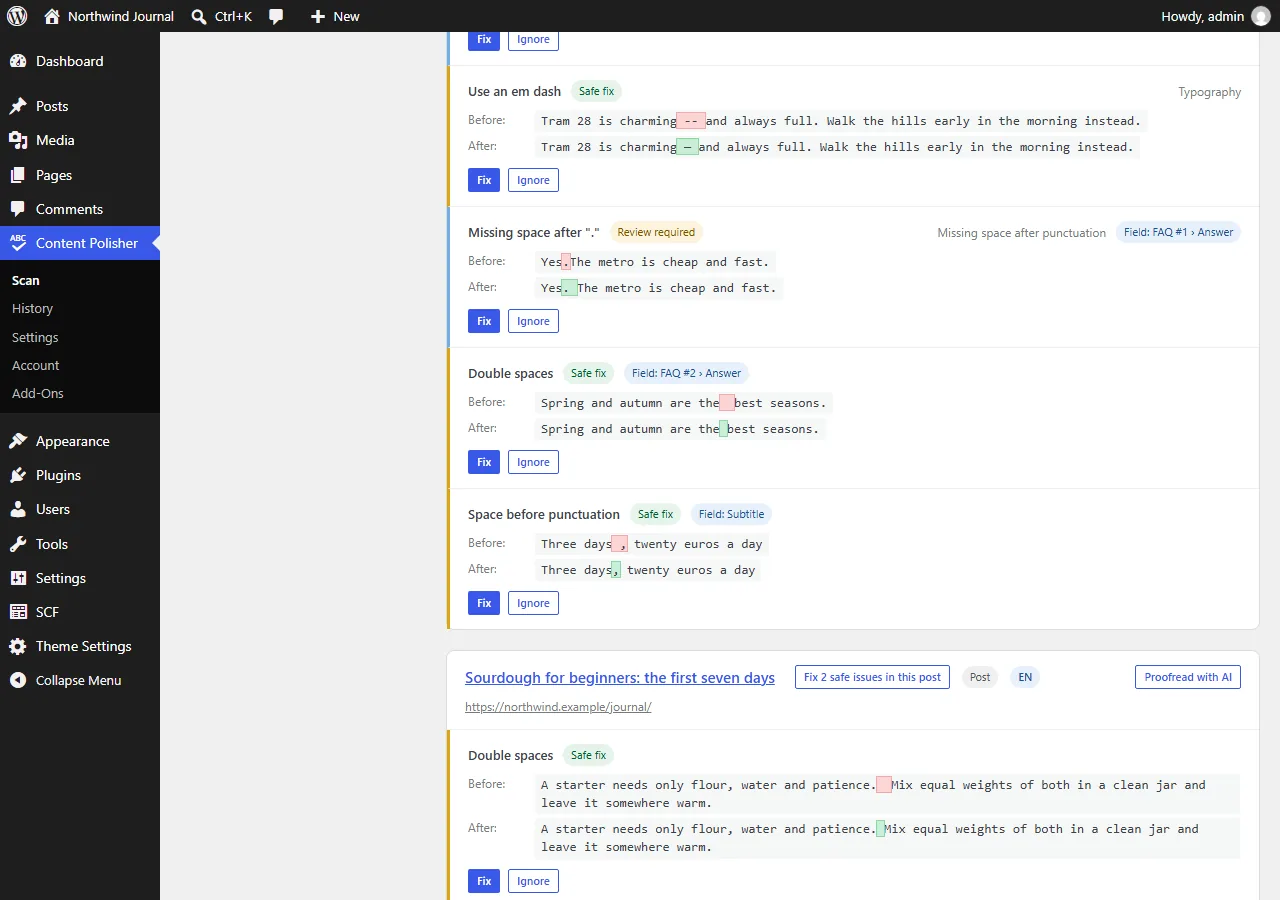
Turning sources on and off
In Settings → Content sources, switch ACF fields, ACF blocks and ACF options pages on or off independently. All three are on by default once Pro is active.
Fixing and undo
- Field issues are fixed like any other issue: one by one, per post, or with Fix all safe issues.
- Each changed field gets its own row in History and can be undone on its own, without touching the post content or other fields.
- In ACF blocks, only the changed value is rewritten inside the block, so undo restores the post exactly.
- Fixing options-page fields requires the
manage_optionscapability (filter:content_polisher_site_capability).
AI proofreading of fields
AI proofreading includes the post's enabled fields in the same request as the post content. Options-page content can be proofread from the Site-wide content group.
Without Pro, Settings → Content sources shows ACF fields as a locked option when ACF is active, so you know they are not being checked.